
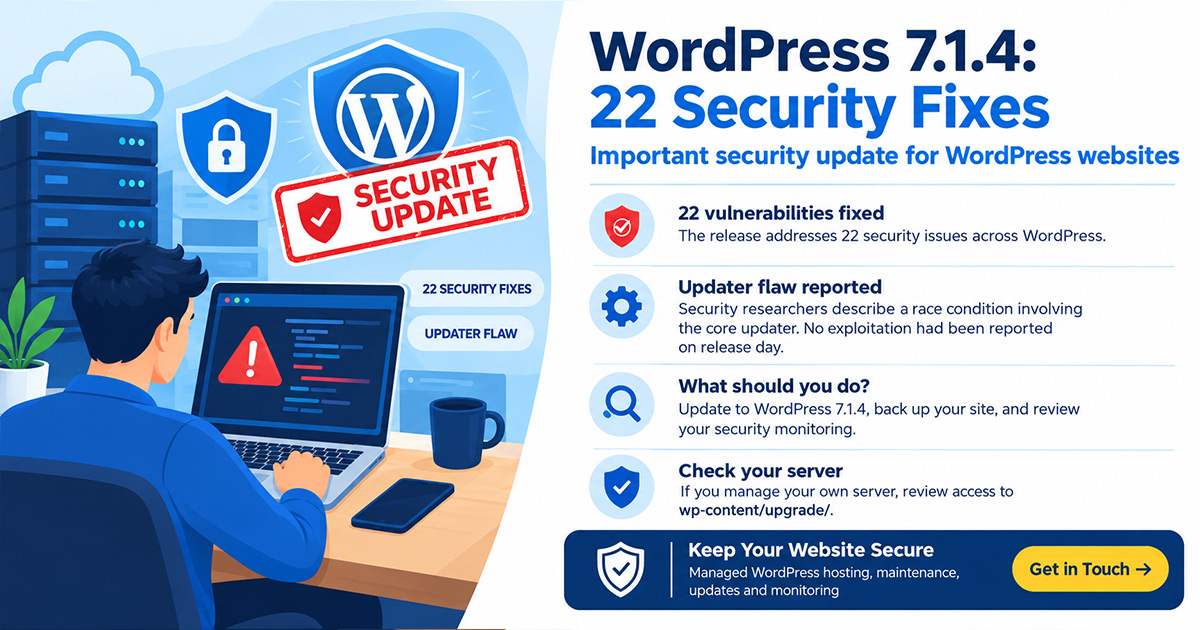
WordPress 7.1.4 shipped yesterday, and the headline number is hard to ignore: 22 vulnerabilities fixed in a single release, up from seven in 7.1.3 just three weeks earlier. That makes it the fourth security release on the 7.1 branch in about six weeks. If you run a WordPress site in Bangkok or anywhere in Thailand, here’s what’s in the official 7.1.4 release, and what we’d do about it today.
What’s actually in WordPress 7.1.4
This is a short-cycle security release, so there are no new features, only fixes. The bulk of it is stored cross-site scripting (XSS) across the Interactivity API, the Categories block, the Playlist and image blocks, the comment pagination blocks and a couple of admin screens. On top of that:
- A stored denial-of-service issue in the Interactivity API.
- A permissions bug that let custom roles with comment moderation rights read, edit and delete notes on posts they can’t edit.
- Unpublished Customizer changesets that anonymous visitors could get to.
- A flaw in the core updater itself, which is the one worth understanding properly.
The updater fix is the one to understand
When WordPress installs an update, it unpacks a full copy of itself into wp-content/upgrade/, a folder your web server serves like any other. Security researchers who analysed the patch describe a narrow race condition where, mid-update, a visitor with no login could reach that unpacked copy. WordPress has tightened how that working folder is handled. As of release day, no exploitation had been reported, but it’s the kind of bug that belongs in the “patch now” pile, not the “we’ll get to it” pile.
Who is actually exposed?
Most of the other 21 issues need a logged-in account, typically Contributor level or above. That’s lower risk for a single-admin brochure site, and higher for anything with real user variety: a hotel blog with several marketing staff, an ecommerce store with guest authors, an agency juggling logins across client sites. Author and Contributor roles get handed out more freely than owners tend to remember. The updater issue is different, because it doesn’t depend on who has an account.
Which versions get the fix
Patches were backported the same day to every branch WordPress still covers, all the way back to 4.7, so you don’t need to jump to 7.1 to be protected. Sites with automatic background updates have likely taken it already, but don’t assume, check. Anything older than 4.7 gets nothing, which is its own argument for not leaving a WordPress install untouched for years.
What to do today
- Confirm your version. Check Dashboard → Updates and make sure you’re on 7.1.4, or the matching point release for your branch.
- Back up first. Keep a tested, offsite copy, so a rollback is a five-minute job and not a crisis.
- Review Contributor, Author and Editor accounts. Former staff, guest writers and old agency logins are the ones that get forgotten.
- Check the upgrade folder. If you run your own server, make sure wp-content/upgrade/ can’t be browsed from the web and sits empty outside of updates.
- Update plugins and themes too. Core is only one part of the picture.
Four releases in six weeks is the real story
7.1.1 landed on September 17, 7.1.2 on September 22, 7.1.3 on October 6, and now 7.1.4 on October 28. Whatever the reason behind the pace, it means “we update when we remember” is no longer a workable plan for a business website.
How we handle this for our Clients in Thailand
At Sierra IT Group, releases like 7.1.4 are exactly why we run ongoing WordPress maintenance packages instead of leaving updates to chance. Every site we manage gets core, plugin and theme updates applied promptly, with monitoring and tested backups in place before anything changes. Our fully managed WordPress hosting adds hardened server configurations and firewall rules on top, and if a site has already been compromised, our malware removal and recovery team gets it cleaned up and back online fast. Not sure whether your setup is exposed? Get in touch and we’ll check it for you.